
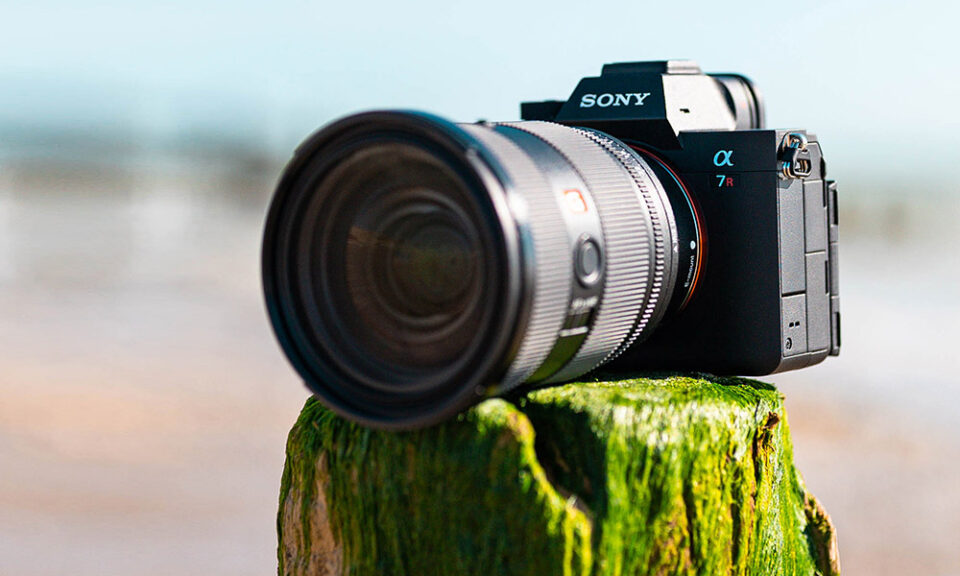
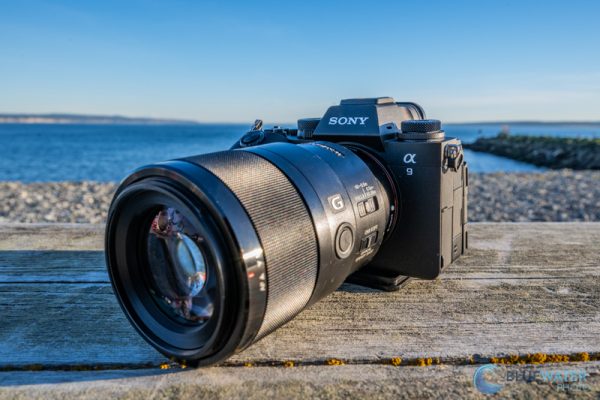
The Sony A9 stands as one of the most powerful mirrorless cameras on the market, favored by professionals for its speed, precision, and reliability. While its headline features—like 20 fps blackout-free shooting and advanced autofocus—are well-known, many of its most useful capabilities remain hidden beneath the surface. This guide will explore the Sony A9’s lesser-known settings, customizations, and troubleshooting tips to help you get the most out of this incredible camera.
Silent Shooting with Enhanced Dynamic Range
One of the A9’s standout features is its completely silent electronic shutter, which eliminates any mechanical noise—a game-changer for weddings, wildlife, and street photography. However, many users don’t realize that pairing silent shooting with Extended ISO 50 can significantly improve dynamic range by reducing highlight clipping. To enable this, navigate to the ISO settings in the camera menu and set the lower limit to 50. Then, activate Silent Shooting (Mode 2) for the best results.
Look at: A9 camera setup
Back-Button Autofocus Customization
Back-button autofocus is a favorite technique among professional photographers, allowing for greater control over focus and composition. The Sony A9 takes this a step further by letting users customize the AF-ON button’s hold function. For example, you can set a standard AF-C mode for a single press while assigning Eye AF + Tracking to a held press. This setup lets you switch focus modes instantly without diving into menus. Additionally, assigning AF Area Selection to a custom button (like C4) allows for even faster adjustments in the field.
Maximizing Touchpad AF Functionality
The A9’s touchpad AF feature is more versatile than many photographers realize. Beyond simply moving the focus point, you can swipe to adjust the AF area size, double-tap to reset focus, or pinch to zoom in for precision adjustments. To unlock these capabilities, go to the Touch Operation settings in the custom menu and enable Touch Pad Settings. This small tweak can dramatically speed up your shooting workflow.
Optimal Settings for Different Photography Styles
Sports and Action Photography
For fast-moving subjects, the A9’s autofocus system is incredibly powerful, but fine-tuning it can make a big difference. Setting AF Tracking Sensitivity to 5 (Locked-On) helps prevent focus jumps, while AF Drive Speed set to Fast ensures the camera keeps up with rapid movement. Enabling Pre-AF means the camera continuously adjusts focus before you fully press the shutter, reducing lag in critical moments.
Portrait and Wedding Photography
The A9’s Eye AF is one of the best in the industry, and setting it to prioritize both humans and animals ensures sharp focus even in challenging conditions. For weddings, the Face Registration feature is invaluable—it lets the camera prioritize specific subjects, ensuring the bride or groom stays in focus. Additionally, the Soft Skin Effect (set to Medium) provides subtle skin smoothing without sacrificing detail, perfect for flattering portraits.
Low-Light and Night Photography
In dimly lit environments, the A9’s high ISO performance shines, but a few adjustments can further enhance results. Turning off Long Exposure Noise Reduction reduces processing lag between shots, while Pixel Shift Multi Shooting (when used on a tripod) can produce ultra-high-resolution images with incredible detail. Setting Zebra Patterns to 100+ helps avoid blown-out highlights, ensuring balanced exposures in tricky lighting.
Advanced Menu Customizations
Creating a Personalized Quick Menu
The A9 allows users to build a custom “My Menu” tab with frequently used settings, saving time during shoots. Essential options to include are AF Area Registration for quick focus adjustments, Memory Recall for loading saved presets, and a Silent Shooting toggle for discreet operation. This customization ensures that your most-needed functions are always just a click away.
Hidden Video Capabilities
Though the A9 is primarily a stills camera, it has several underrated video features. Enabling S-Log3 in 4K unlocks greater dynamic range for color grading in post-production. The camera also supports 120fps Full HD recording with continuous autofocus tracking, ideal for slow-motion footage. For filmmakers, custom gamma adjustments provide finer control over the image’s tonal curve, allowing for a more cinematic look.
Troubleshooting Common Issues
Overheating in 4K Mode
Some users report overheating during extended 4K recording. To mitigate this, set the Auto Power Off Temperature to High in the menu. For even longer sessions, using an external recorder bypasses the camera’s internal heat buildup entirely.
Rapid Battery Drain
The A9’s performance comes at the cost of battery life, but a few adjustments can help. Disabling Bluetooth when not in use, enabling Airplane Mode, and using high-capacity NP-FZ100 batteries all contribute to longer shooting times.
Autofocus Struggles in Low Light
In extremely dark conditions, the autofocus system may hunt for focus. Switching to Center Lock-On AF improves consistency, and enabling the AF Illuminator (found in the custom settings menu) provides a small light to assist the camera in locking onto subjects.
Frequently Asked Questions
Can the Sony A9 shoot in complete darkness?
While the A9 doesn’t have true night vision, setting the ISO to 204,800 and using Silent Shooting can produce usable images in near-total darkness, though with significant noise.
Does the A9 have a built-in intervalometer?
No, the A9 lacks a built-in intervalometer, but Sony’s PlayMemories app (while discontinued) or an external intervalometer can be used for timelapse photography.
What’s the safest way to update the A9’s firmware?
Always download firmware updates directly from Sony’s official website and ensure the camera’s battery is fully charged before starting the update process to avoid potential malfunctions.
The A9 is a remarkably capable camera, and mastering its hidden features can elevate your photography to professional levels. By customizing autofocus settings, optimizing silent shooting, and leveraging advanced video functions, you can unlock the camera’s full potential. Whether you shoot sports, portraits, or low-light scenes, these tips will help you get the best results from your A9.
Have you discovered any other hidden tricks with the A9? Share your findings in the comments below! For more in-depth guides and photography tips, stay tuned for future updates.
Source: https://19816811.com
Email: cameraexpert247@gmail.com
